Themes & Languages
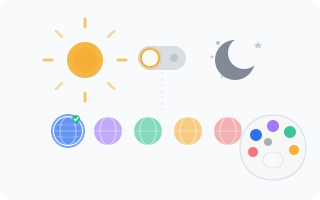
WantVisit lets you make the admin panel feel like home. Choose a visual theme that's easy on your eyes and an interface language you're comfortable with. These are personal preferences — they apply to your account and won't affect other users.
Light & Dark Theme
The admin panel supports both light and dark themes. To switch between them:
- Look at the bottom of the sidebar
- Click the theme toggle button (sun/moon icon)
- The change applies instantly — no page reload needed
The dark theme is great for late-night schedule adjustments or if you simply prefer a darker interface. The light theme is the classic look — clean and bright. Pick whichever one your eyes thank you for.
Interface Language
WantVisit supports 10 languages for the admin interface:
- English
- Russian
- Belarusian
- Ukrainian
- German
- Chinese
- Japanese
- Arabic
- Spanish
- French
Every label, button, menu item, and message in the admin panel will appear in your chosen language.
Changing the Language
To switch your interface language:
- Go to Settings > Profile > Preferences
- Select your language from the dropdown
- Click Save
The entire interface will switch to your chosen language immediately. No need to log out or refresh — it just works.
How Language Works
Your language preference is saved to your profile on the server. That means:
- It follows you everywhere — log in from any device, any browser, and the interface will be in your selected language
- It's personal — other users on your account can each have their own language preference
- It affects formatting — date formats, number formats, and other locale-specific displays will adapt to match your language
INFO
The interface language is separate from the location language (set in branch settings). Your interface can be in English while your booking page for clients is in French — très magnifique!